Best Places to Download Free Fonts in 2026
Discover the best places to download free fonts in 2026, including FindFont.co, Google Fonts, Fontshare, Font Squirrel, and more. License tips included.
Best Places to Download Free Fonts in 2026
Free fonts are everywhere in 2026. The real challenge is finding fonts that are (1) genuinely usable for your project, (2) easy to evaluate quickly, and (3) licensed clearly enough that you can ship client work without second-guessing yourself.
Below are the best places to download free fonts right now, starting with the option that makes choosing and comparing fonts dramatically faster.
Quick license checklist (read this before you download)
Even “free” fonts still have licenses, and the license is what decides whether you can use a font commercially.
A fast, practical rule:
Best for commercial use: Open source licenses like SIL Open Font License (OFL) and Apache 2.0, plus true public domain/CC0.
Be careful: “Free for personal use” usually does not cover brand logos, ads, product packaging, or client projects.
Always: Open the license file or the foundry’s terms before using a font in paid work.
1) FindFont.co (best for actually choosing the right font fast)
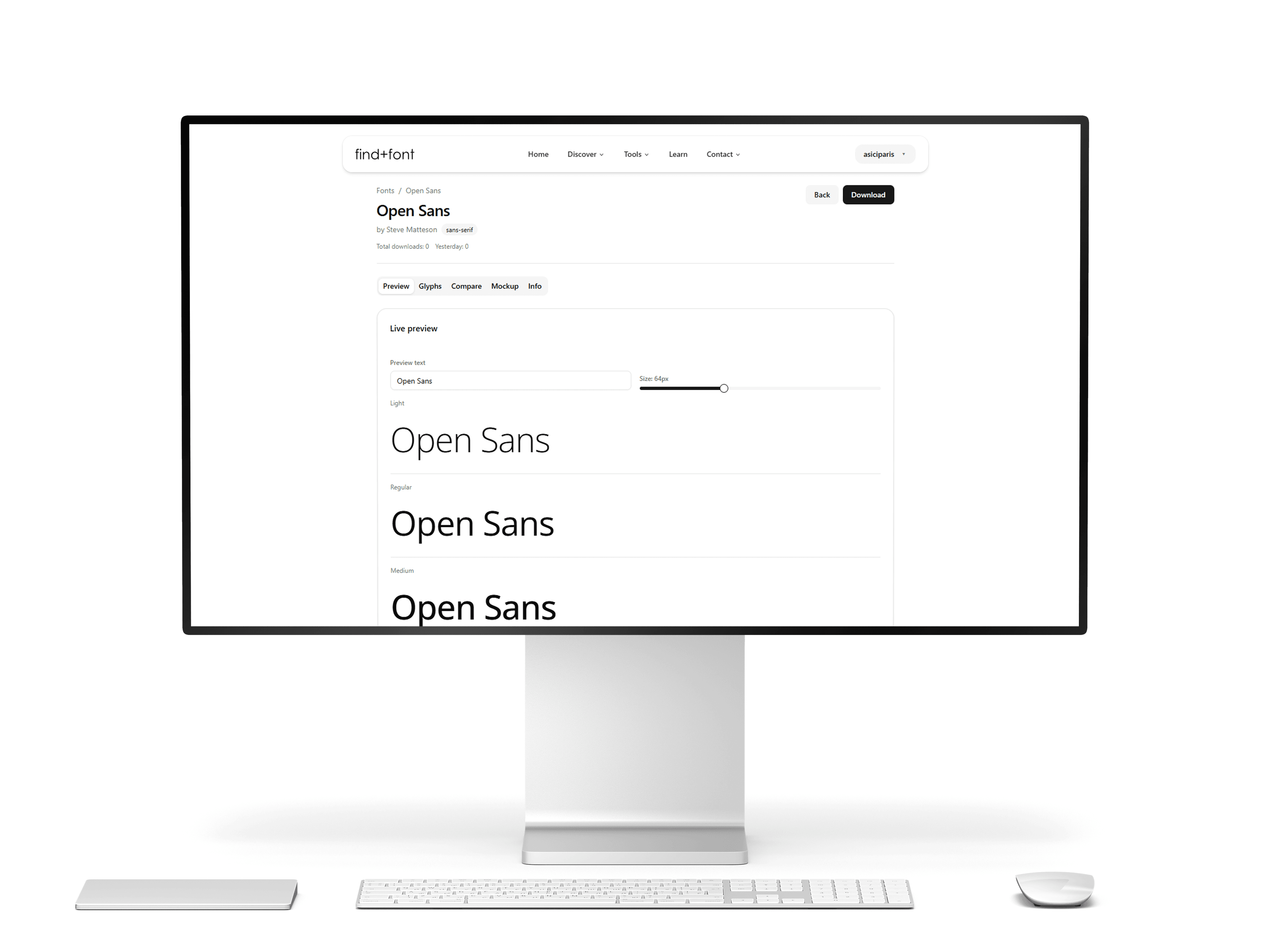
If you are tired of downloading zip files just to “see how it feels,” start here. FindFont.co is built around decision-making: compare, test, shortlist, then download what you love.
Why it’s great
Font Comparison Tool. compare up to 10 fonts side by side in one view.
Upload and preview local fonts (TTF/OTF/WOFF/WOFF2) in-browser, so you can compare a premium font you already own against free alternatives without installing anything.
Saves hours when you are pairing fonts for brand systems, landing pages, pitch decks, or product UI.
Best Design
Free Mockup Generator
Best for
Brand designers, founders, and marketers who need to move fast
Choosing font pairings and narrowing down “final 3” options quickly
Pro tip
Start with 2–3 candidate styles (grotesk, humanist, serif) and compare them with your real headline + body copy, not lorem ipsum.
2) Google Fonts (best all-around open source library)
Google Fonts remains the most convenient “default” for web typography: huge selection, fast filtering, and easy integration.
Why it’s great
Fonts are released under open source licenses and can be used in commercial projects.
Clear licensing culture and strong ecosystem support.
Best for
Websites, apps, UI systems, and content brands
Teams that want reliable, low-friction font sourcing
License note
Many families use OFL, some use Apache 2.0 or other licenses, so still check per font.
3) GitHub (google/fonts) (best for developers who want the “source of truth”)
If you want a practical workflow for product teams, the google/fonts repository is extremely useful: license files live alongside font families, and it is designed for clear redistribution practices.
Best for
Building a design system or bundling fonts into an app repo
Automated checks, versioning, and consistent licensing review
4) Fontshare by Indian Type Foundry (best “premium-feel” free fonts)
Fontshare is known for modern, professional families that feel like paid typography.
Why it’s great
A free fonts service from Indian Type Foundry (ITF).
Positioned around high-quality releases rather than random dumps.
Fontshare states its fonts are free for personal and commercial use (check the specific license type per family).
Best for
Startup branding, landing pages, lookbooks, social creatives
Contemporary grotesks and sharp editorial styles
5) Font Squirrel (best for commercial-use safety)
Font Squirrel is popular for one simple reason: it’s focused on legitimately free fonts, and it repeatedly pushes users to read the license before shipping work.
Why it’s great
Strong emphasis on commercial-use-friendly finds.
Best for
Client projects when you want fewer licensing surprises
Designers who want a curated list, not infinite scrolling
6) Adobe Fonts (Free library) (best if you want polished fonts with simple licensing)
Adobe Fonts is not only for paid Creative Cloud users anymore. Adobe documents a Free access level with a basic library of roughly 5,500 fonts.
Why it’s great
Adobe positions licensing as simplified and usable for personal and commercial projects.
Easy workflow if you already live in Adobe apps.
Best for
Designers who want “ready-to-use” type families quickly
Brand work, editorial layouts, and marketing design
Note
Access level and activation can depend on account/subscription tier, so confirm what you can activate and where you can use it.
7) Open Foundry (best curated open source typography)
Open Foundry is a curated showcase of open source typefaces, with a focus on craft and personality.
Why it’s great
Known as a curated source for open source typefaces.
Best for
Editorial, cultural, and brand identities that want character
Designers bored of the same default picks
8) The League of Moveable Type (best “classic” open source foundry)
One of the most respected names in open source type.
Why it’s great
Fonts are free and open source, and the site notes commercial use under the Open Font License.
Best for
Designers who want proven open source families with history
9) Velvetyne (best experimental, art-forward libre fonts)
Velvetyne is a Paris-based collective known for libre and open source fonts with a lot of attitude.
Why it’s great
Focused on libre fonts and open distribution culture.
Best for
Posters, fashion/editorial graphics, album covers, conceptual branding
10) Font Library (fontlibrary.org) (best for libre webfont embedding)
Font Library is built around libre/open fonts and web usage.
Why it’s great
Clear “libre/open fonts” philosophy and webfont support.
Best for
Web projects where you want libre fonts with a clear community-first approach
11) SIL Fonts (best for serious language coverage)
SIL produces highly respected typefaces designed for broad script coverage and readability.
Why it’s great
SIL’s font library includes well-known families designed for comprehensive character sets.
Best for
Multi-language products, publishing, accessibility-focused typography
Places you can use, but only with extra caution
Some big “free font” sites mix truly free fonts with personal-use-only demo fonts. If you use these, make “license check” a required step.
1001Fonts
1001Fonts has a clear license type called “Free For Personal Use,” and it explicitly restricts commercial usage without permission.
Use it for inspiration, but do not assume a font is OK for client work unless it is marked free for commercial use and the license confirms it.
Next step: how to install fonts on Windows, Mac and in Word.